Business Mobile Roaming Guide

💡 Travelling Soon?
Before you leave, contact Comms Connect and we’ll check your destination, confirm your roaming charges, recommend the most suitable travel option and advise on the best mobile networks to use.
A quick call before you travel could save you hundreds of pounds in unexpected roaming charges.
Whether you’re travelling for business or enjoying a well-earned holiday, staying connected is important—but so is avoiding unexpected mobile charges.
Roaming benefits vary depending on your mobile network and tariff. While many destinations are included within roaming plans or available with a daily roaming charge, others fall into higher-cost roaming zones.
This guide explains what’s typically included, how to avoid unnecessary charges and when to contact Comms Connect before you travel.
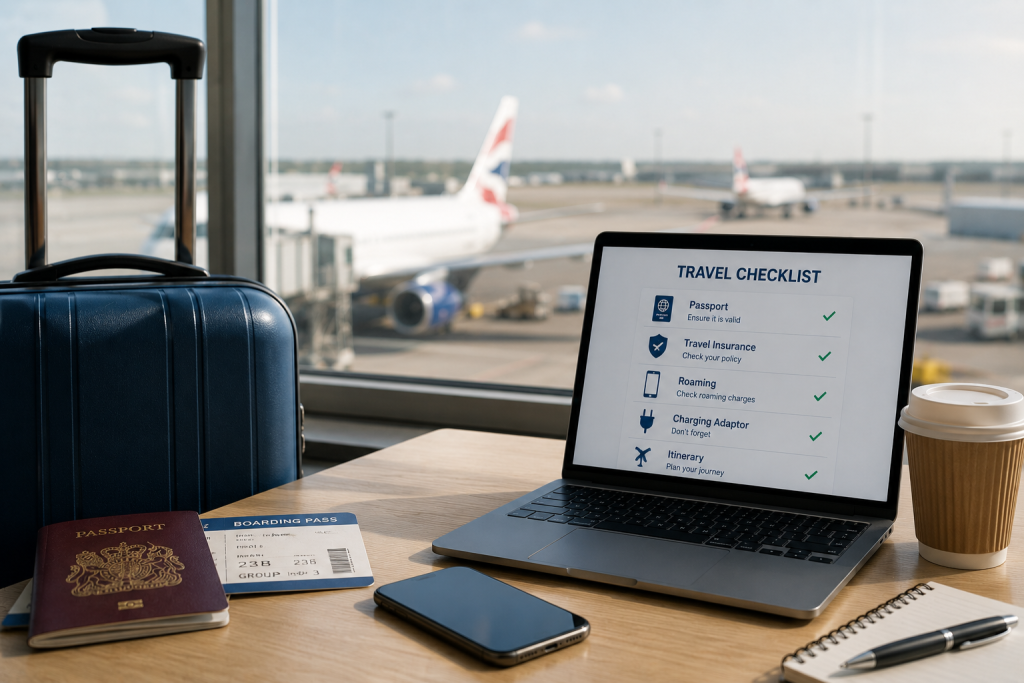
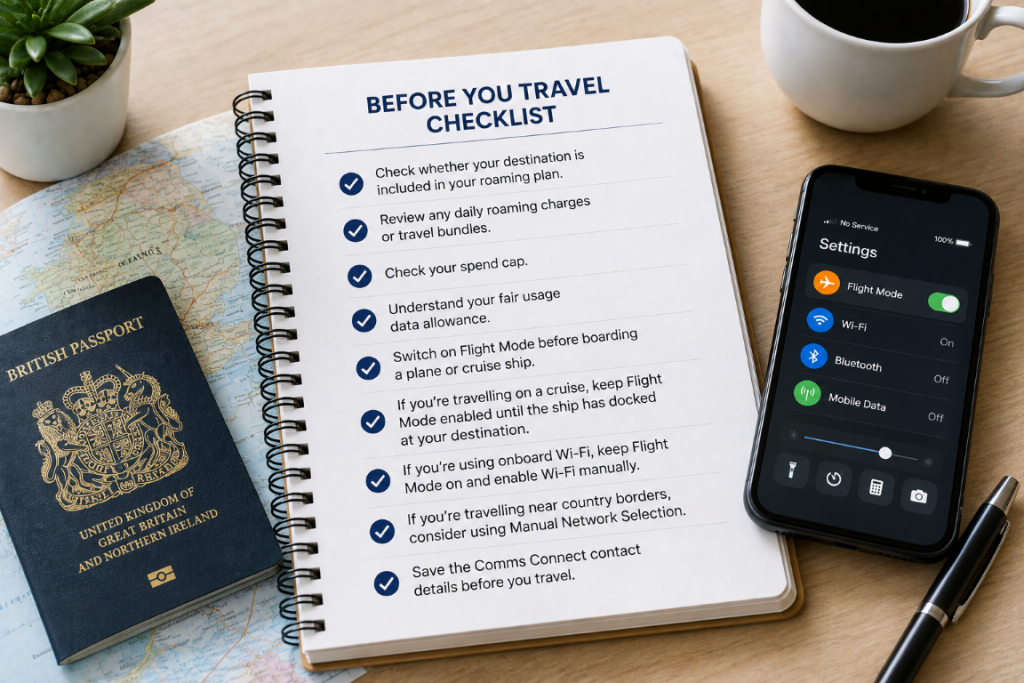
Before you travel, remember to:
✔ Check whether your destination is included in your roaming plan.
✔ Review any daily roaming charges or travel bundles.
✔ Check your spend cap.
✔ Understand your fair usage data allowance.
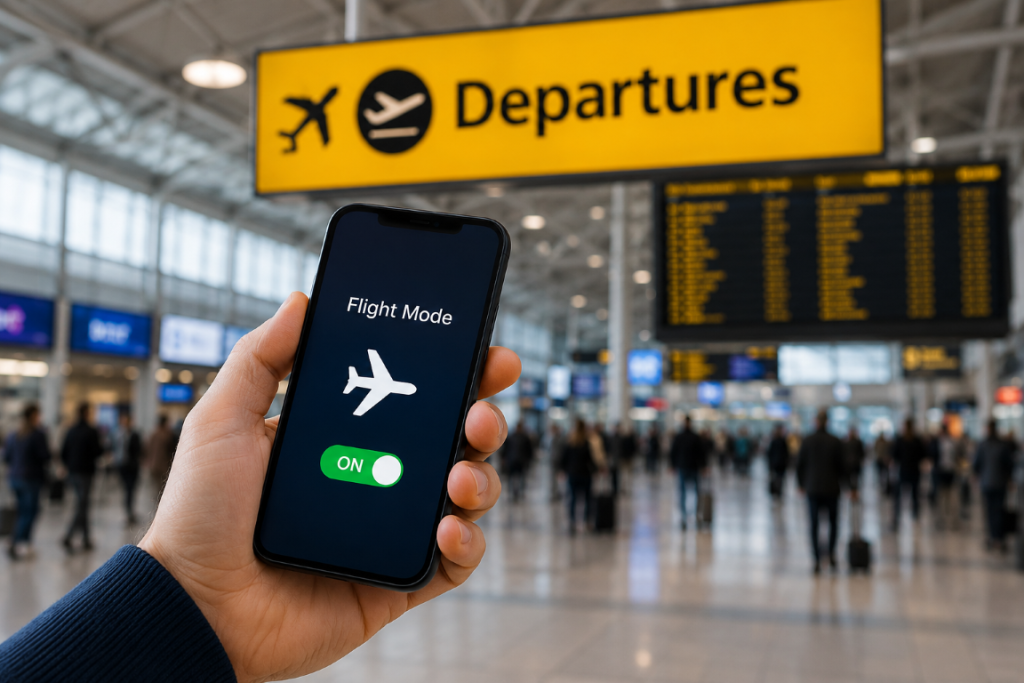
✔ Switch on Flight Mode before boarding a plane or cruise ship.
✔ If you’re travelling on a cruise, keep Flight Mode enabled until the ship has docked at your destination. Maritime satellite networks are not included within standard roaming plans and can incur premium charges.
✔ If you’re using onboard Wi-Fi, keep Flight Mode on and enable Wi-Fi manually.
✔ If you’re travelling in a country that borders another, consider using Manual Network Selection to help prevent your phone connecting to a neighbouring country’s network.
✔ Save the Comms Connect contact details before you travel.
O2 & Vodafone Business
Europe
Austria, Belgium, Bulgaria, Canary Islands, Croatia, Cyprus, Czech Republic, Denmark, Estonia, Finland, France, Germany, Gibraltar, Greece, Hungary, Iceland, Ireland, Italy (including Vatican City), Latvia, Liechtenstein, Lithuania, Luxembourg, Malta, Monaco, Netherlands, Norway, Poland, Portugal (including Madeira), Romania, Slovakia, Slovenia, Spain (including the Balearic Islands), Sweden, Switzerland, Channel Islands, Isle of Man, Faroe Islands and San Marino.
Popular Worldwide Destinations
Australia, Canada, China, Hong Kong, India, Israel, Japan, Malaysia, Mexico, New Zealand, Qatar, Singapore, South Africa, South Korea, Taiwan, Thailand, Turkey, United Arab Emirates, United States and Vietnam, along with many other worldwide destinations depending on your tariff.

EE Business
Europe
Austria, Azores, Belgium, Bulgaria, Canary Islands, Croatia, Cyprus, Czech Republic, Denmark, Estonia, Finland, France, Germany, Greece, Hungary, Iceland, Ireland, Italy, Latvia, Liechtenstein, Lithuania, Luxembourg, Madeira, Malta, Netherlands, Norway, Poland, Portugal, Romania, San Marino, Slovakia, Slovenia, Spain, Sweden and Vatican City.
Business & Worldwide Destinations
Albania, Argentina, Armenia, Australia, Bahrain, Bangladesh, Bermuda, Bosnia and Herzegovina, Brazil, Canada, Chile, China, Colombia, Dominican Republic, Ecuador, Egypt, El Salvador, Fiji, Gabon, Ghana, Greenland, Hong Kong, India, Indonesia, Israel, Japan, Kenya, Kosovo, Kuwait, Malaysia, Mauritius, Mexico, Moldova, Montenegro, Morocco, New Zealand, Nigeria, Oman, Pakistan, Peru, Puerto Rico, Qatar, Réunion, Russia, Rwanda, Saudi Arabia, Serbia, Seychelles, Singapore, South Africa, South Korea, Sri Lanka, Sudan, Switzerland, Taiwan, Tanzania, Thailand, Tunisia, Turkey, Uganda, Ukraine, United Arab Emirates, United States, Uruguay, Vietnam and Zambia.

If your destination isn’t listed above, don’t assume it’s included.
Some countries fall into higher-cost roaming zones, where calls, texts and mobile data can be considerably more expensive. Examples include Angola, Cuba, Ethiopia, Maldives, Syria, Turkmenistan and Yemen, as well as maritime and satellite networks.
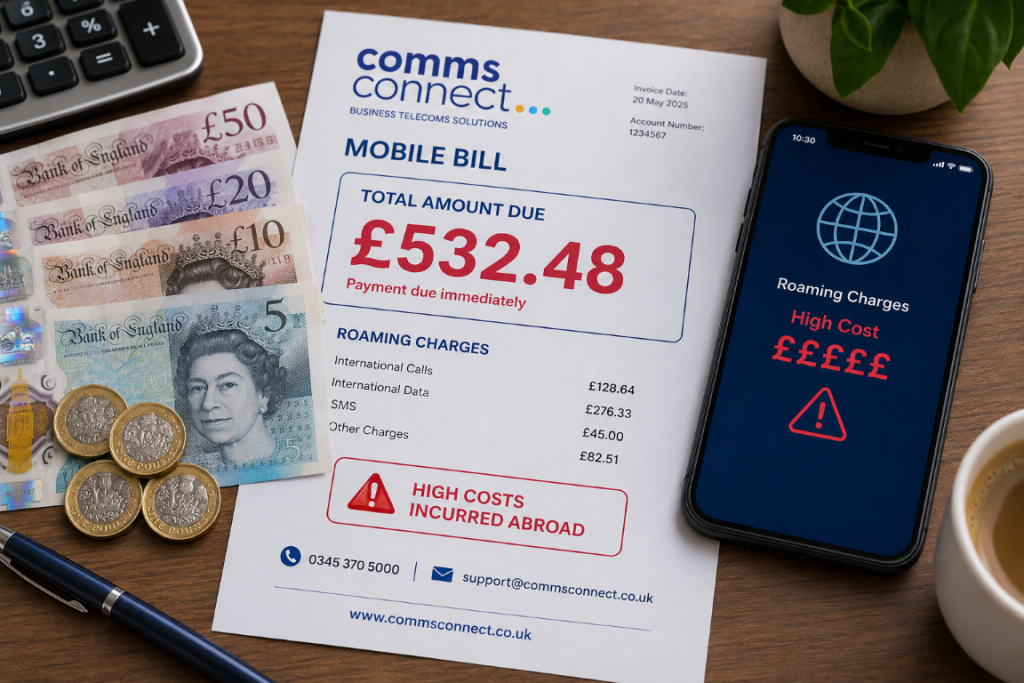
Why We Recommend Flight Mode
One of the biggest causes of unexpected roaming charges is cruise ship travel.
Although your cruise may start and finish in countries where your roaming plan is included, the ship itself uses a maritime satellite network while at sea.
These maritime networks are not covered by standard roaming plans, daily roaming passes or travel bundles and are charged separately at premium rates.
Even if you don’t actively use your phone, it can still:
These background activities can generate expensive charges if your phone connects to the ship’s satellite network.
Our Recommendation
We recommend switching your phone to Flight Mode before your cruise departs and leaving it on until the ship has docked at your destination.
Once you’ve docked, you can:
If you’ve purchased the ship’s Wi-Fi package, simply keep Flight Mode switched on and manually enable Wi-Fi.
This allows you to use internet-based apps such as WhatsApp, Microsoft Teams, FaceTime and email without connecting to the maritime satellite network.

Aircraft also use satellite networks which are not normally included within roaming plans.
Always switch your phone to Flight Mode before take-off and only reconnect once you’ve landed.
If your airline offers onboard Wi-Fi, simply keep Flight Mode enabled and manually switch Wi-Fi back on.
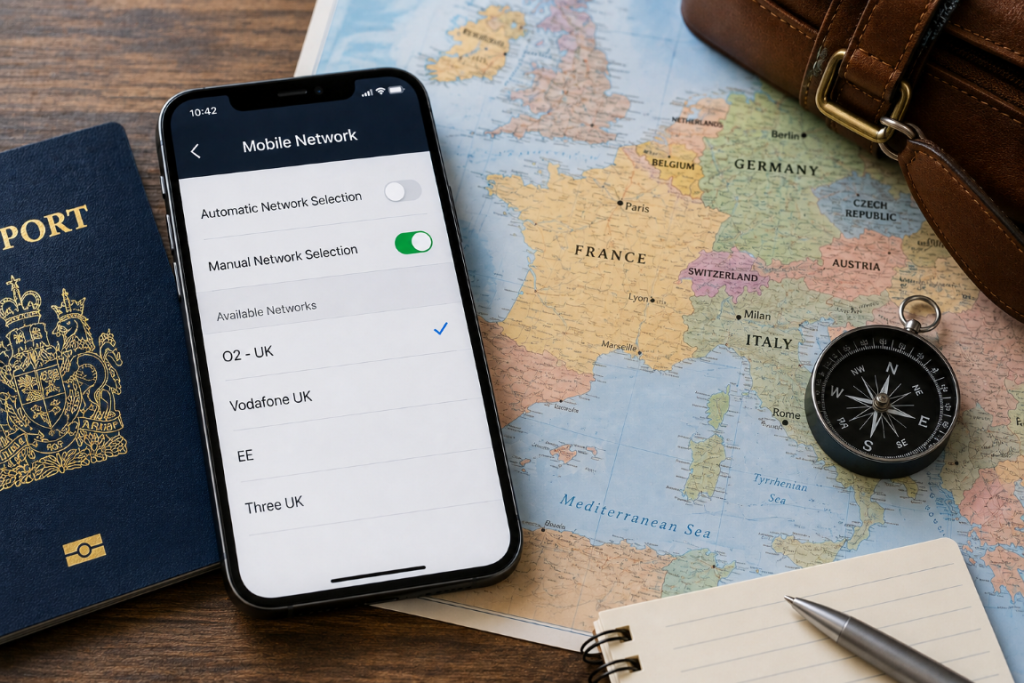
If you’re travelling in a country that borders another, your phone may automatically connect to a neighbouring country’s mobile network if it has a stronger signal.
This can happen even if you haven’t crossed the border and may result in unexpected roaming charges if the neighbouring country isn’t included within your roaming allowance or is charged at a higher rate.
To help avoid this, we recommend changing your phone from Automatic Network Selection to Manual Network Selection and selecting a supported local network for the country you’re visiting.
This is particularly useful when travelling in countries that border others, including:
If you’re unsure which mobile network to select, Comms Connect can provide a list of the recommended networks before you travel.
Roaming Frequently Asked Questions
Roaming can sometimes be confusing, especially when allowances, charges and coverage vary between networks, tariffs and destinations.
We’ve answered some of the most common questions about using your business mobile abroad, from Flight Mode and onboard Wi-Fi to network selection and roaming charges.
If you can’t find the answer you’re looking for, our team is always happy to help.
Flight Mode prevents your phone from connecting to mobile and satellite networks. You can still use Wi-Fi by manually switching it back on.
Yes. If you're connected to Wi-Fi, you can continue using WhatsApp, Microsoft Teams, FaceTime, email and other internet-based apps.
If your phone connects to a neighbouring country's network, you may incur roaming charges based on that country's rates.
We recommend changing your phone from Automatic Network Selection to Manual Network Selection and selecting a supported local network for the country you're visiting. If you're unsure which network to use, contact Comms Connect before you travel and we'll advise you on the recommended networks for your destination.
Contact Comms Connect before you travel. We'll confirm whether your destination is included, explain any roaming charges and recommend the most suitable roaming option for your trip.
This depends on your network and tariff. You may be charged for additional data, have your data restricted, or need to purchase an additional allowance. Contact Comms Connect before travelling and we can confirm what applies to your plan.
Not necessarily. The way spend caps work can vary by network, tariff and type of roaming usage. Don’t rely on a spend cap alone to prevent unexpected charges. We recommend checking your roaming arrangements with Comms Connect before travelling.
Roaming may already be enabled on your account, but it’s worth checking before departure. Contact Comms Connect and we can confirm that your service is ready to use abroad.
Yes. Email, cloud backups, photo syncing, app updates and other services can use data in the background. Turning off background data or Data Roaming can help prevent unexpected usage. It’s a sensible precaution, particularly if you have a limited roaming allowance. Large app and operating system updates can consume significant amounts of data.
When you arrive in another country, you may receive an automated roaming message from the local mobile network. This is normal and does not necessarily mean your roaming pass isn’t active.
You can still receive these messages when you have an EU or Global roaming pass/package in place, as they are automatically sent when your phone connects to a local network.
If you’re unsure whether your destination is covered or what charges apply, contact Comms Connect and we’ll check your roaming package before you start using your mobile abroad.
Every mobile network and tariff is different, so checking before you travel can save you time, money and unexpected charges.
Whether you’re travelling across Europe, visiting a long-haul destination, taking a cruise or travelling near international borders, we’re here to help.
We’ll help you with:
Get in Touch
Our friendly team is always happy to help you prepare for your trip, so you can stay connected and avoid unexpected roaming charges.